Project Detail
ByteMX
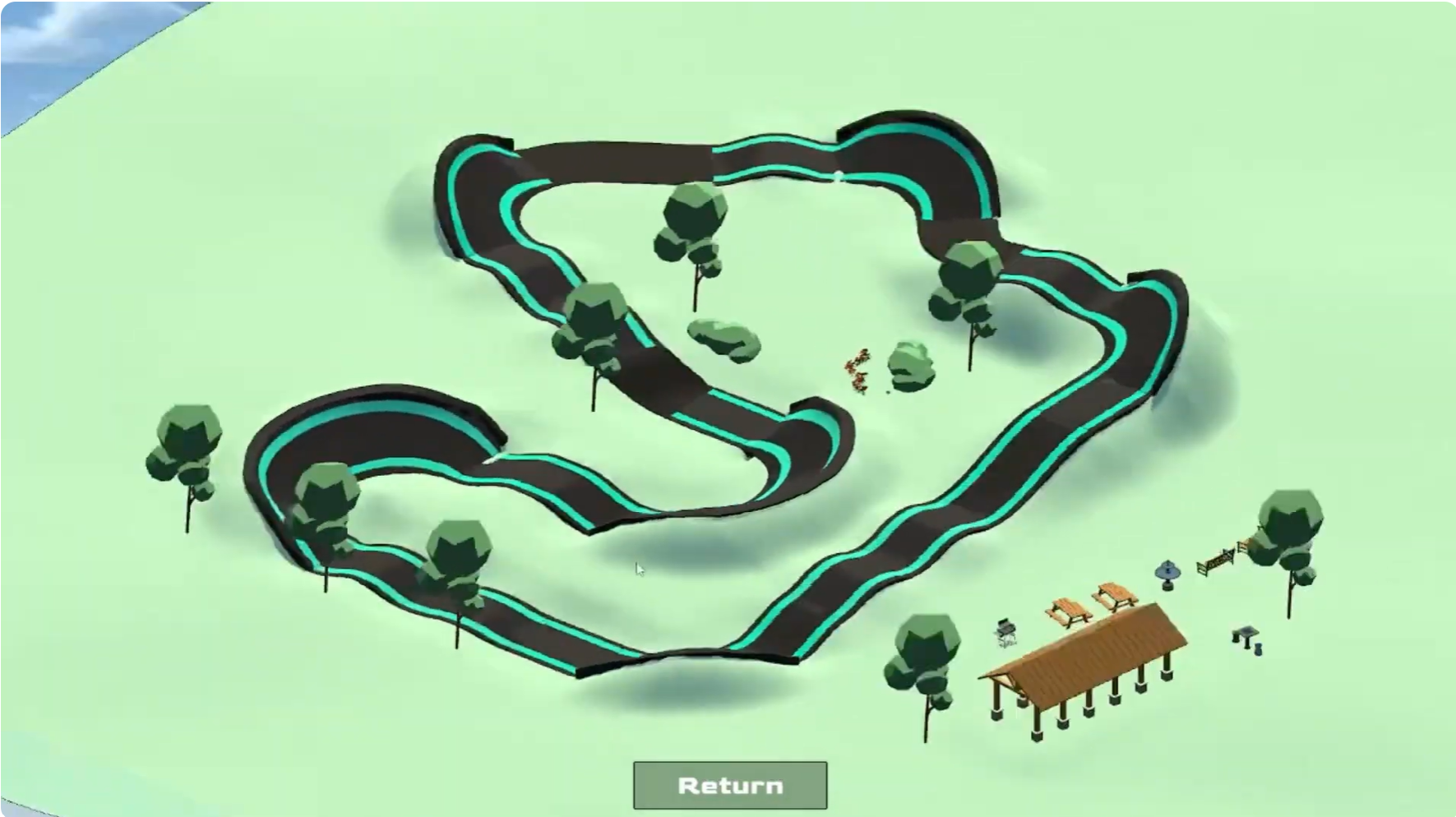
ByteMX is an educational digital simulation and game designed to help students learn engineering concepts through the design, modeling, and testing of BMX pump tracks. The project integrates interactive play with STEM learning objectives while highlighting the social and community value of pump track parks.
I worked as a 2D artist and UI/UX designer, focusing on creating an intuitive and age-appropriate interface within Unity. My responsibilities included making visual and interaction design decisions, designing and implementing UI elements, and mapping the overall user flow to ensure smooth transitions between features and modes of interaction.
Throughout development, we conducted frequent playtesting sessions over the semester. Through direct observation and interviews with participants, we identified usability challenges and refined the interface to better support the target audience. This iterative process strengthened the clarity, accessibility, and engagement of the experience.
In addition to design and evaluation work, I authored the project handoff document, which consolidated all non-code aspects of the project. This documentation detailed system usage, feature descriptions, design rationale, known limitations, and guidance for future development teams. Writing this document reinforced my understanding of design communication, sustainability of interactive systems, and collaboration across disciplines.
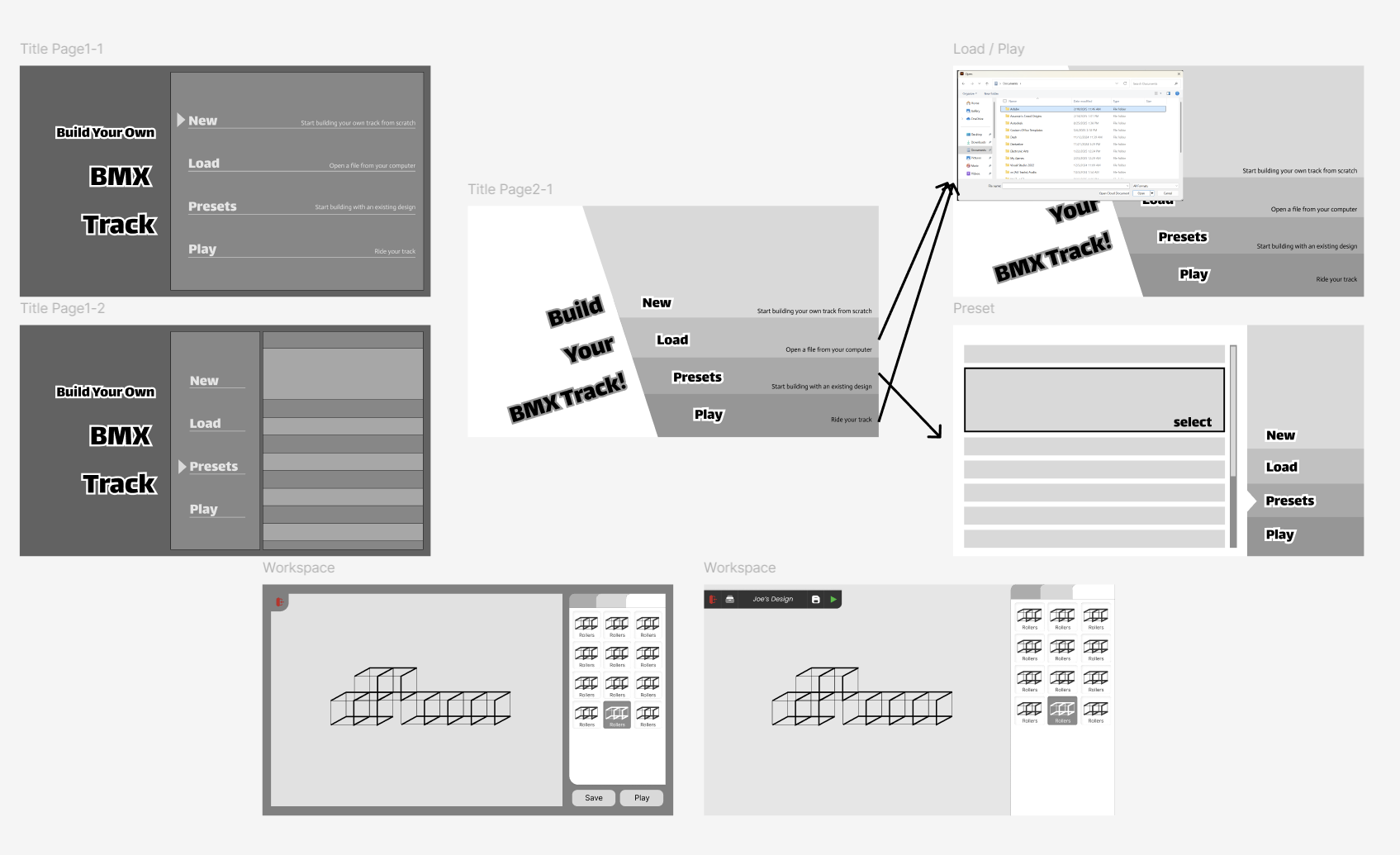
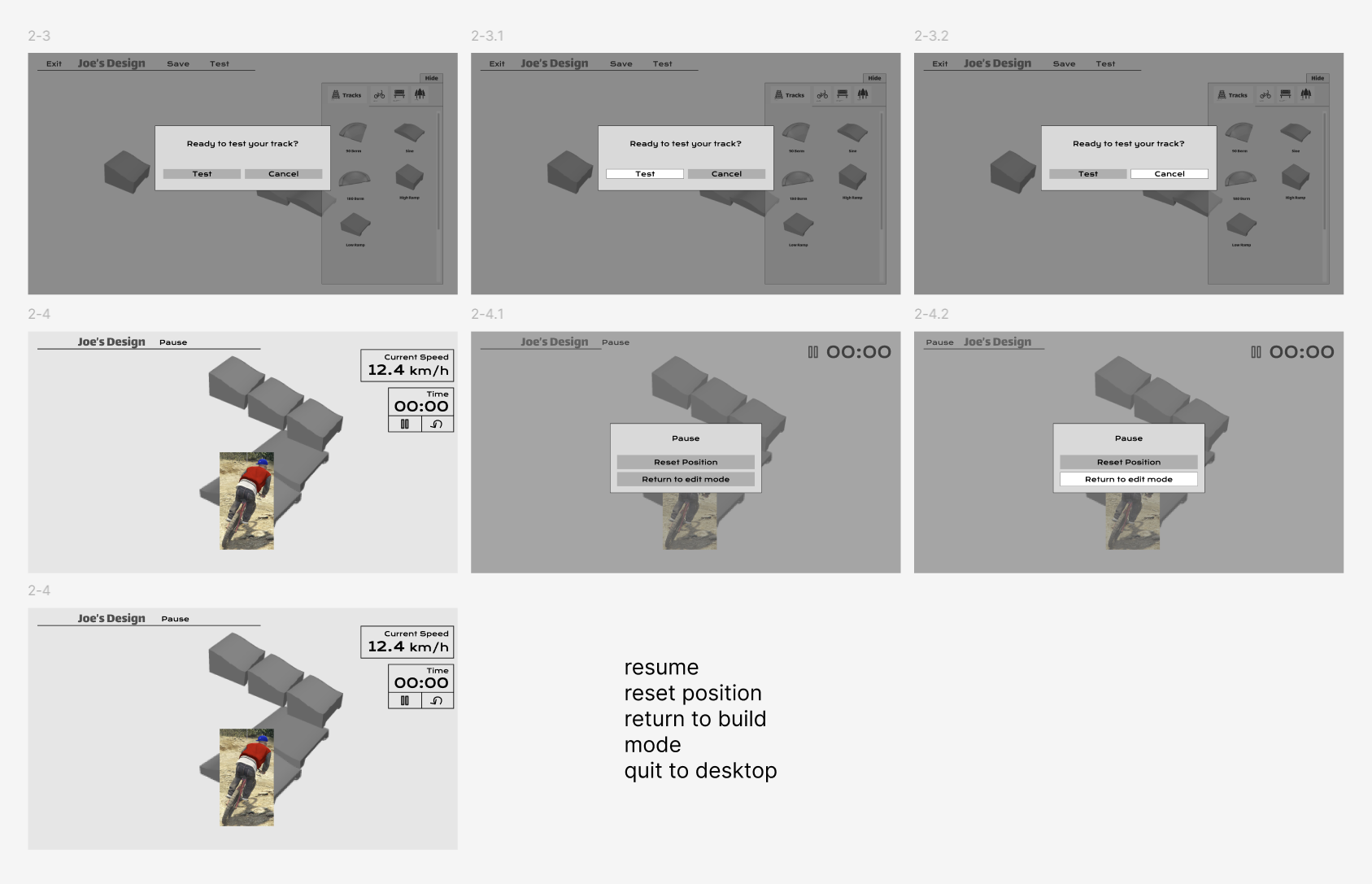
Figma screenshots documenting early UI iterations, including title screens, workspace layouts, load/play flows, testing prompts, and ride-mode controls.
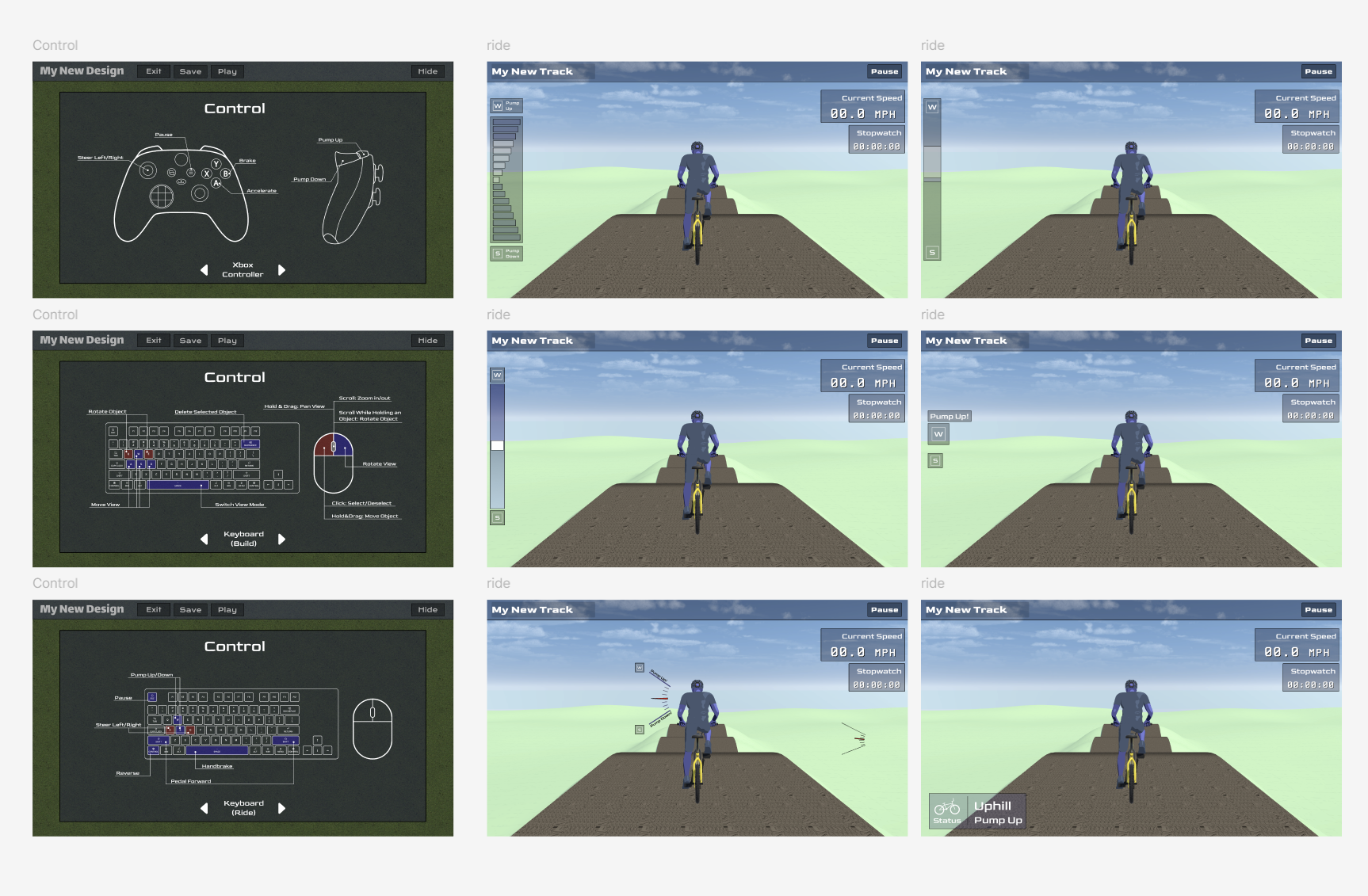
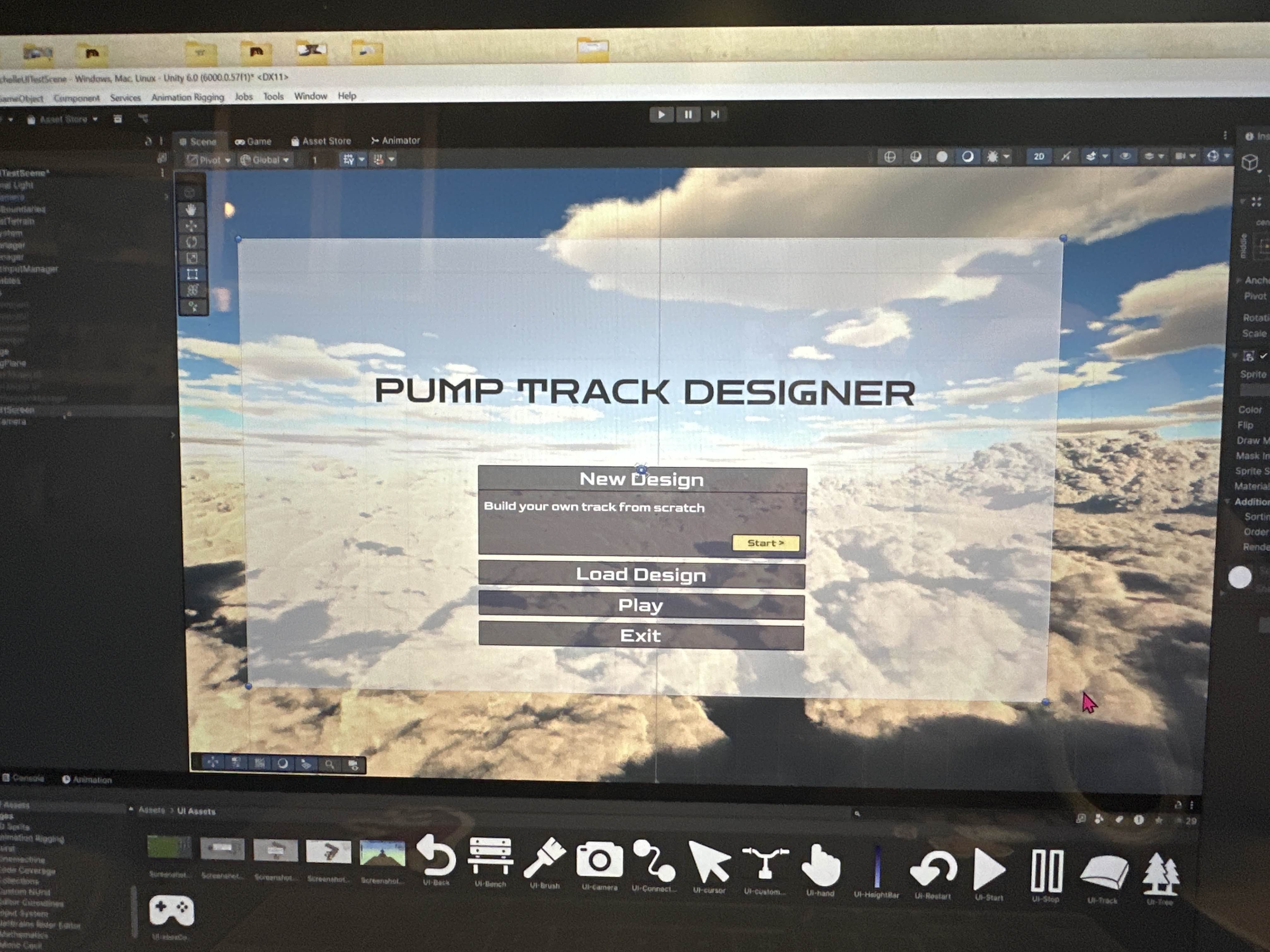
Later UI explorations refined control instructions and ride-mode feedback, then moved into the Unity scene for implementation and testing.
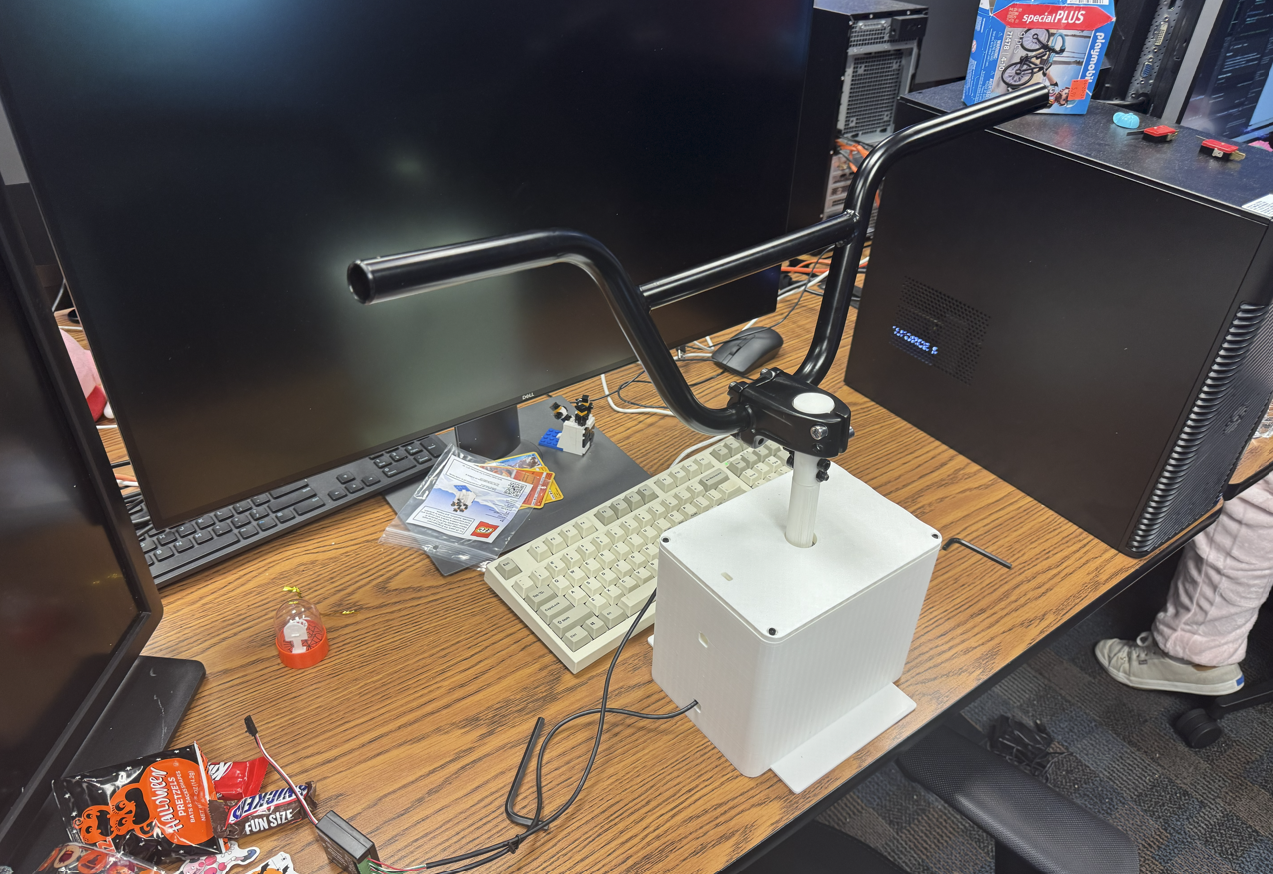
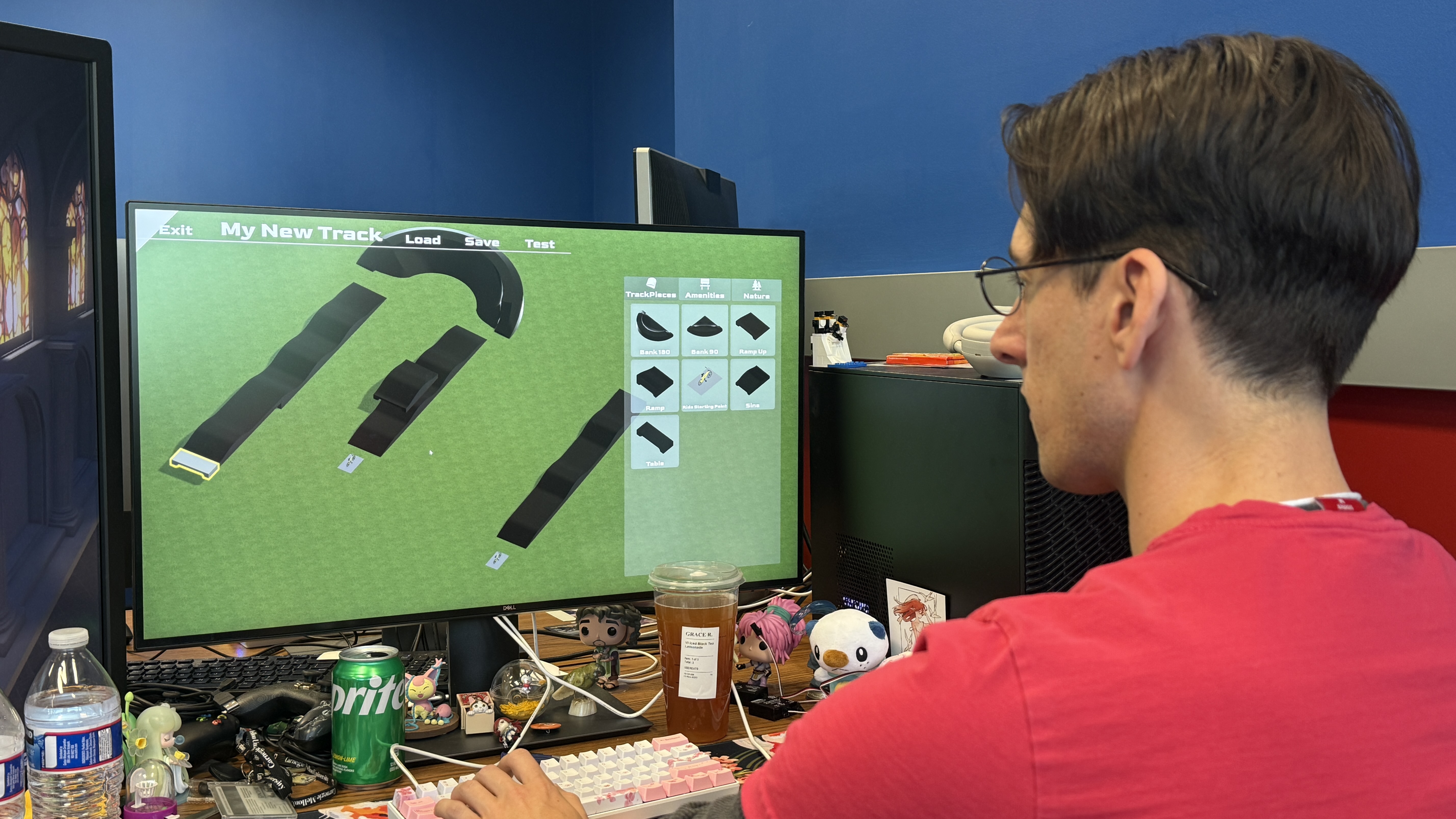
Early playtest setup with the custom handlebar controller and an early UI build, used to evaluate controls, interface readability, and track-building interactions.
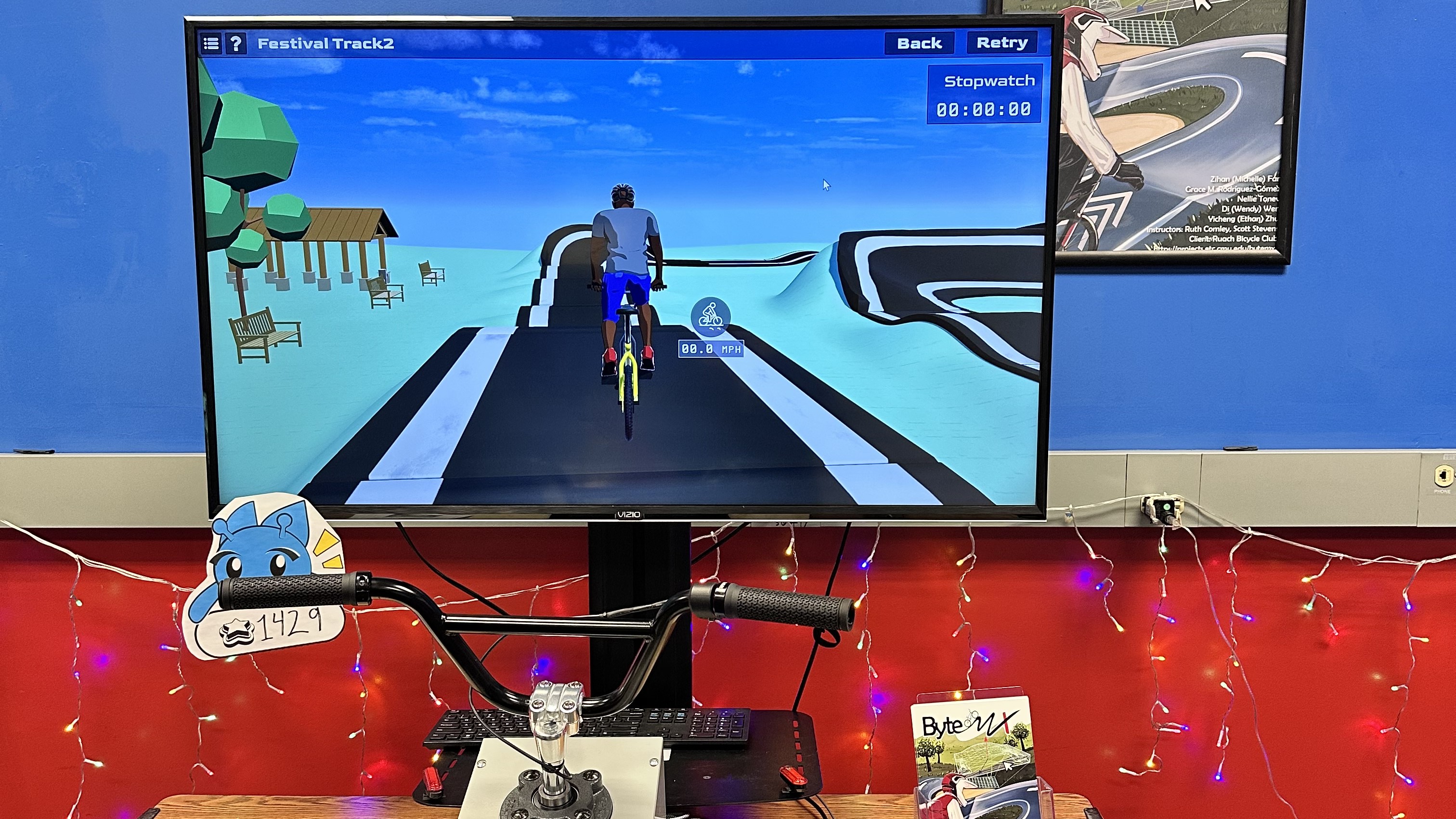
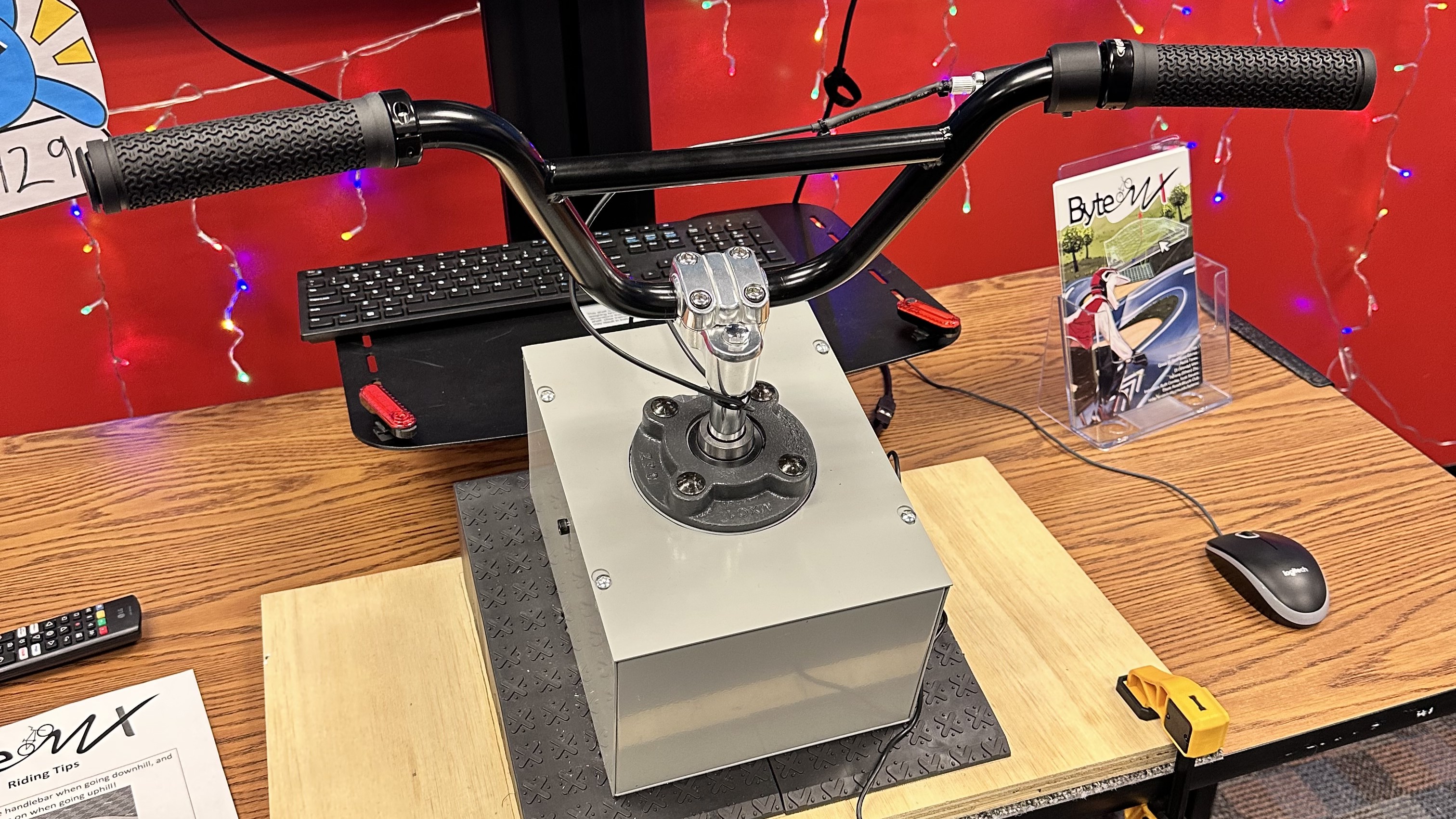
Final installation with the custom handlebar controller, large display, project materials, and completed playable build.
My main takeaway from ByteMX was the importance of designing intuitive UI/UX through iteration, especially when creating an educational tool for a specific age group. Because the target users were students around ages 10-15, the interface needed to communicate clearly through visual hierarchy, interaction affordances, and age-appropriate feedback. Through repeated testing and refinement, I learned how small UI decisions, such as button placement, labeling, icon clarity, and transition flow, can significantly affect whether users understand what actions are available and how to move through the experience independently.
This project strengthened my ability to evaluate interface design from the perspective of the intended demographic rather than from my own assumptions as a designer. It helped me better understand how affordance, clarity, and feedback work together to support learning, confidence, and engagement in interactive educational experiences.